Clean, variant-only galleries
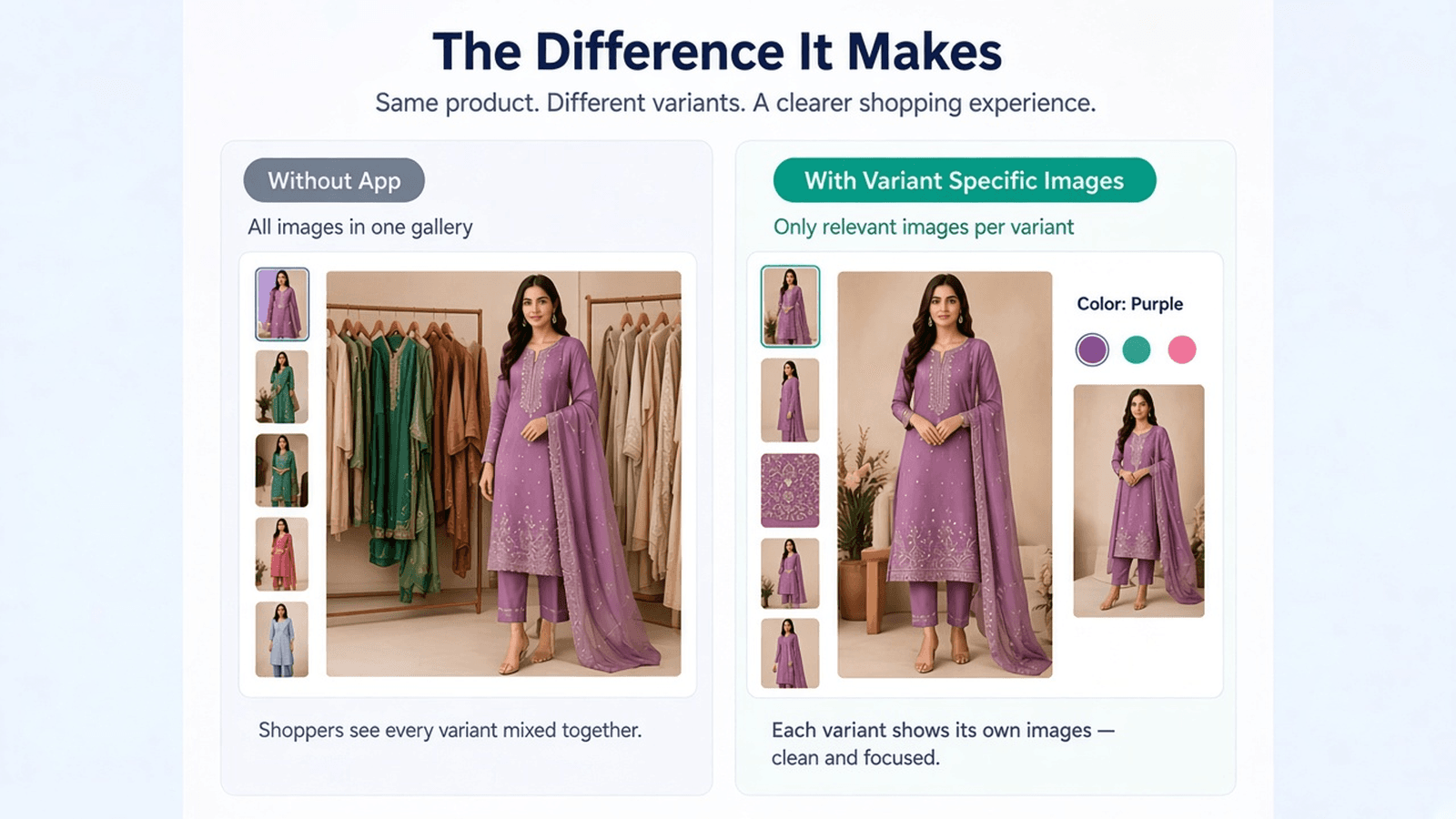
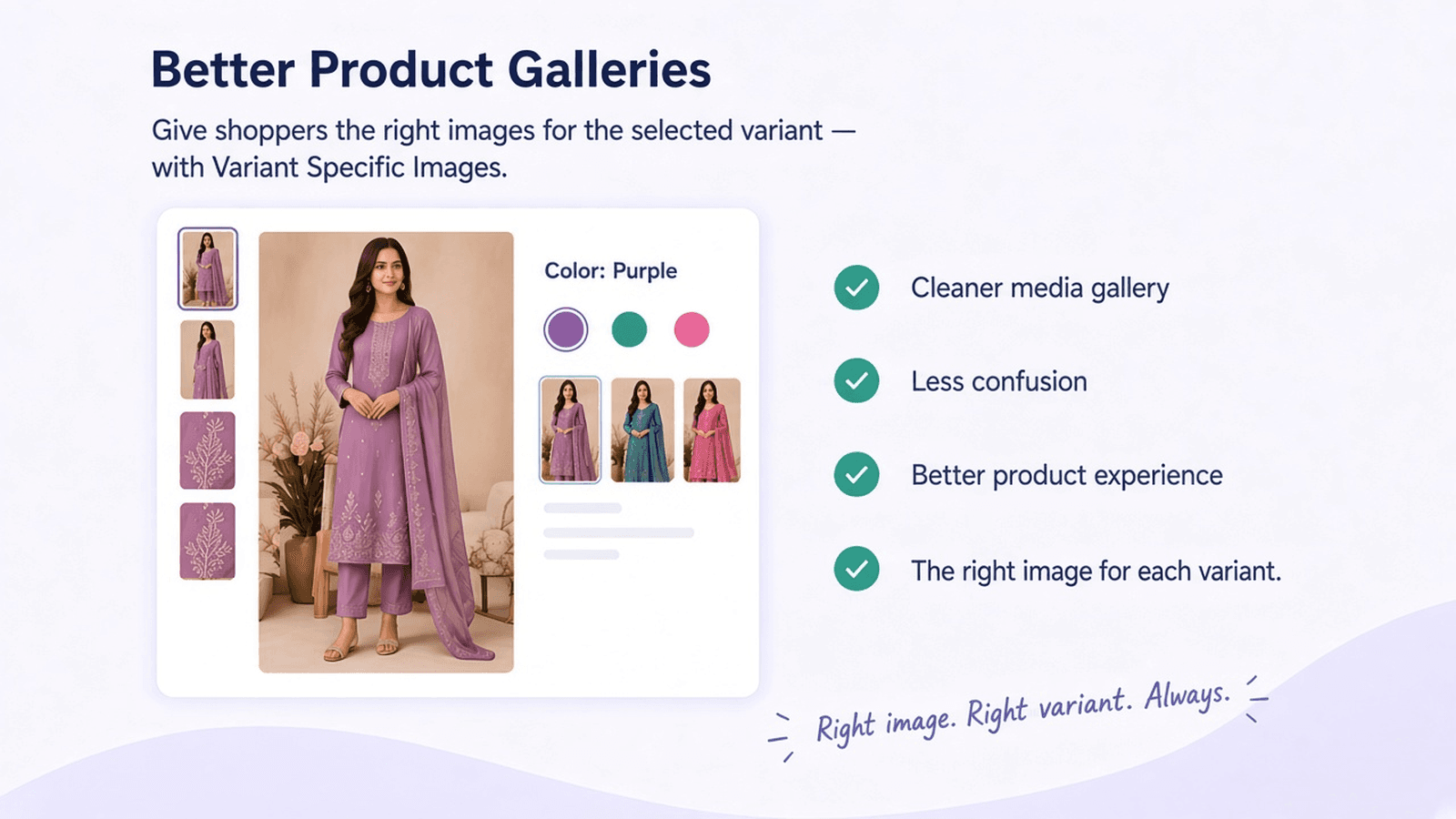
When a shopper selects a variant, the product gallery updates to that variant’s images. Unrelated photos stay out of the way.

Public apps/Variant Specific Images
Show the right images for the right variant.
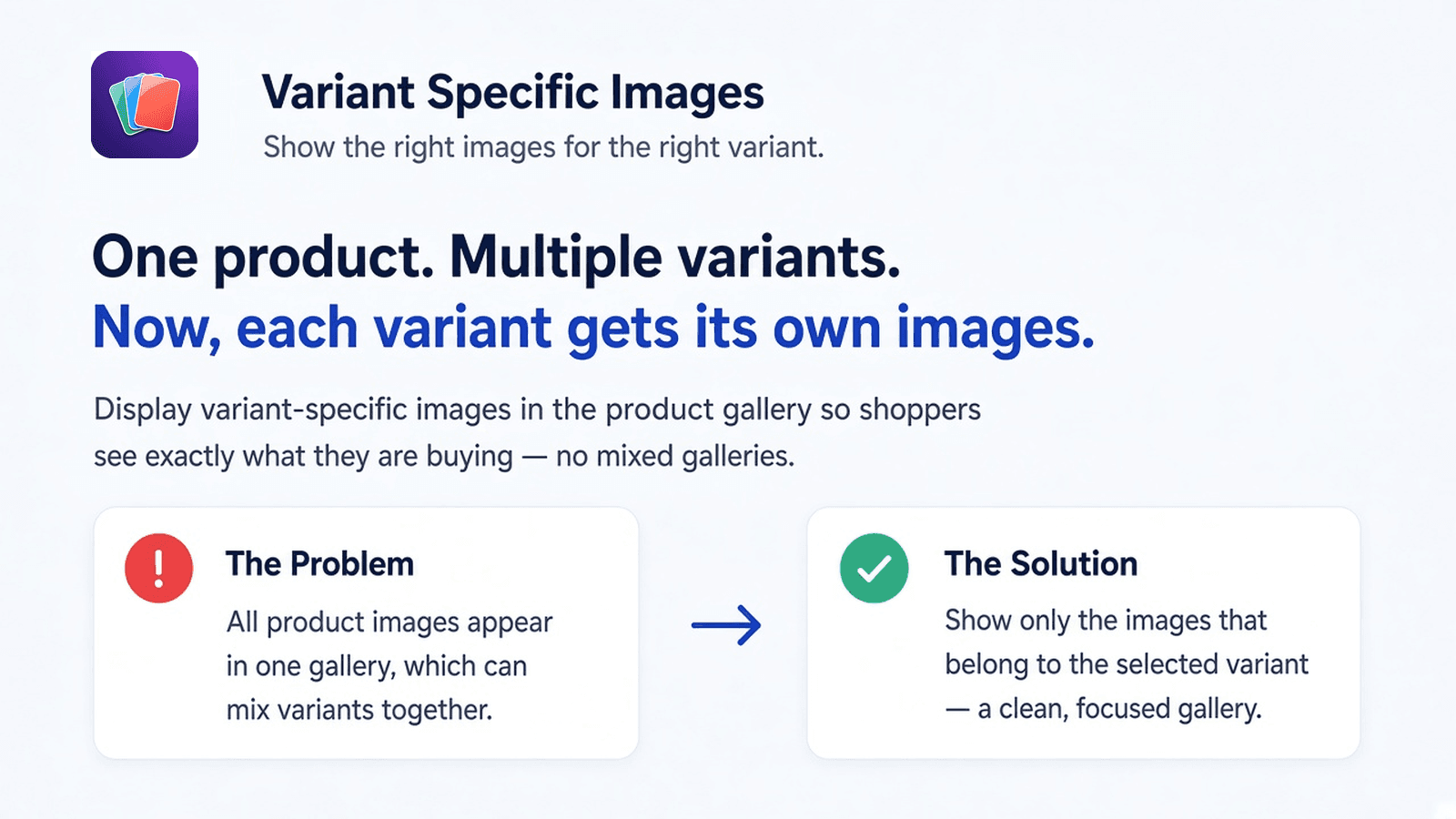
Shopify shows every product image in one gallery by default. When a shopper picks a color or style, they still see photos of every other variant mixed in. Variant Specific Images keeps your theme’s gallery, and shows only the images that belong to the selected variant.
When a shopper selects a variant, the product gallery updates to that variant’s images. Unrelated photos stay out of the way.
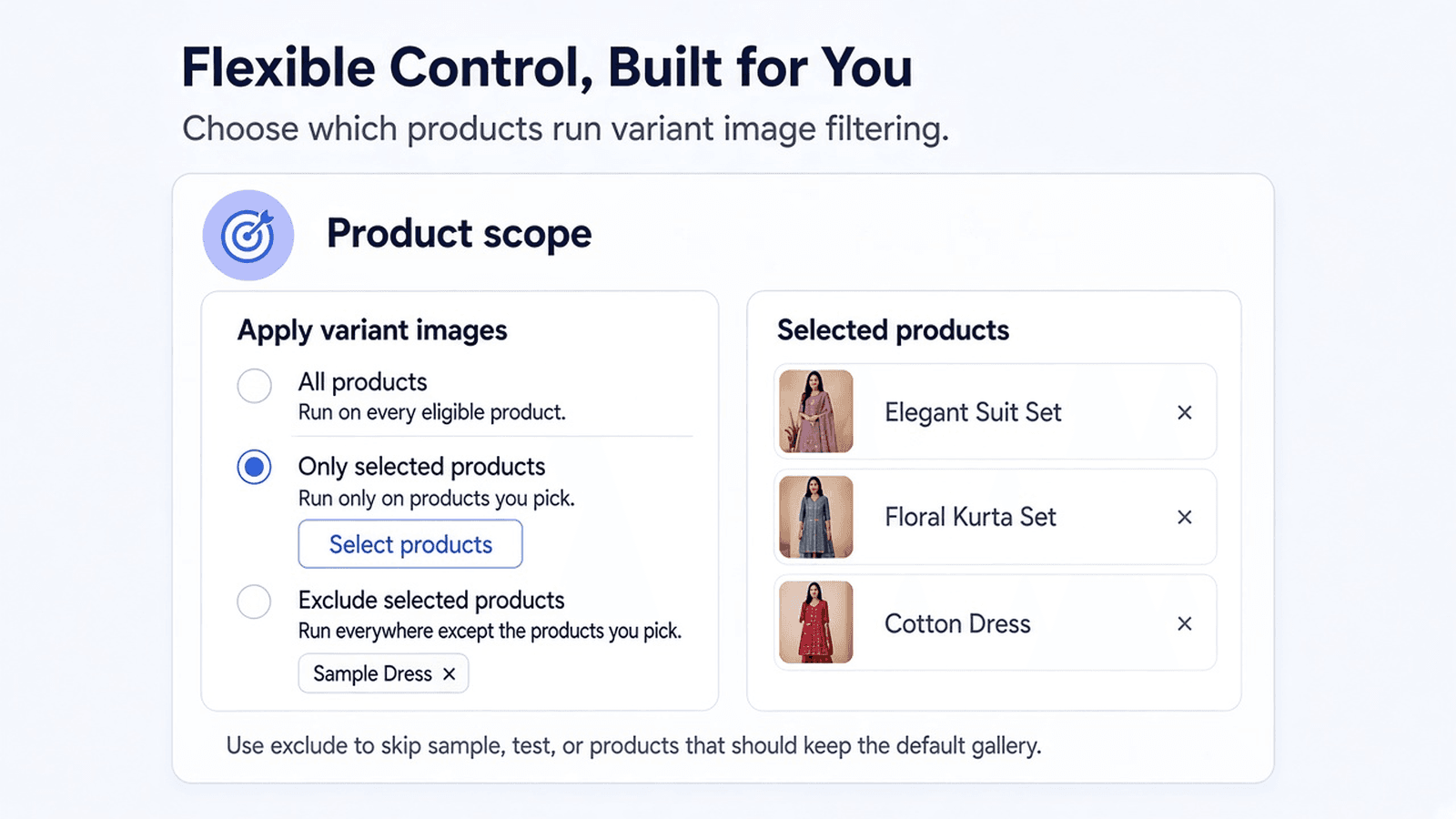
Run the app on every product, only the products you pick, or everywhere except the products you exclude — useful for samples and test items.
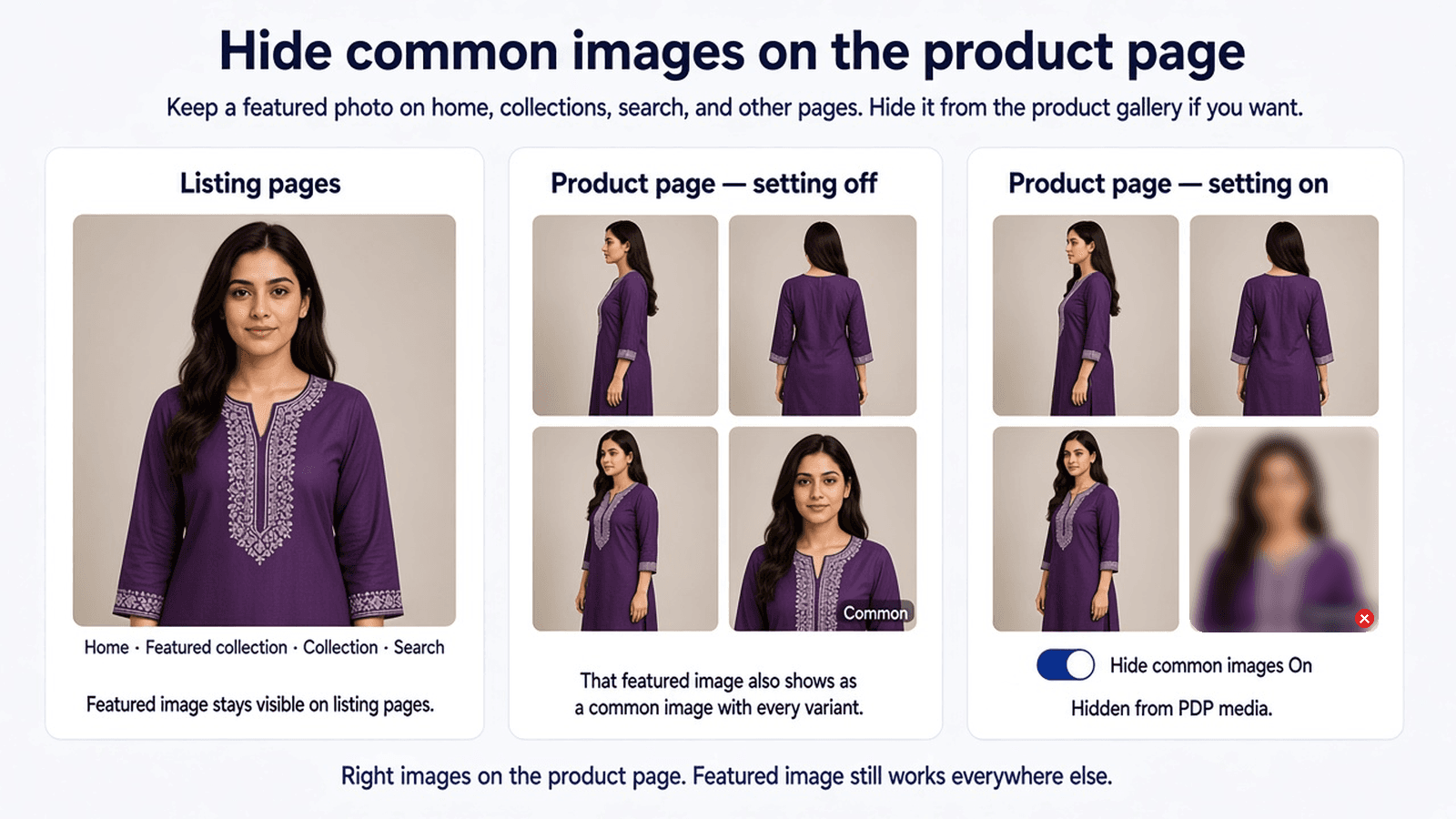
Hide common images on the product page if you want a tighter gallery, while the featured photo still appears on home, collection, and search pages.
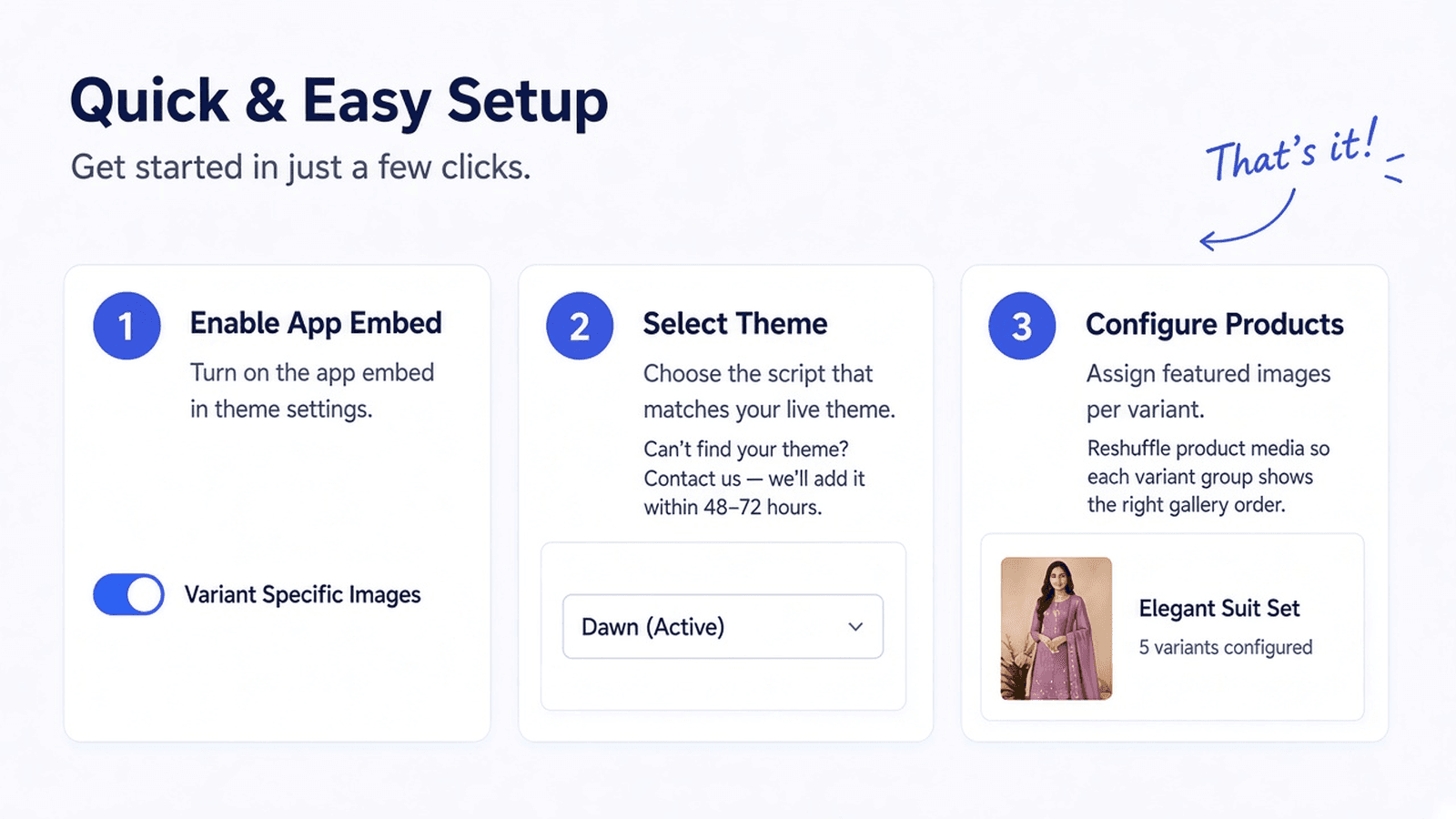
Turn on the app embed, choose the script that matches your theme, and configure products. If your theme is not listed yet, we add it within 48–72 hours.
Turn on Variant Specific Images in your theme settings.
Choose the script that matches your live theme so the gallery filters correctly.
Assign featured images per variant and set product scope. Each variant group then shows the right gallery order.